Features
Workout Tracking
During a workout – whether running, skiing, cycling or any other activity – it’s often hard to focus on numbers because of physical effort, vibration and movement. That’s why the main screen shows only the two most important metrics you’ve chosen (or the sensible defaults), keeping everything clean and glanceable. All available metrics are still recorded in the background.
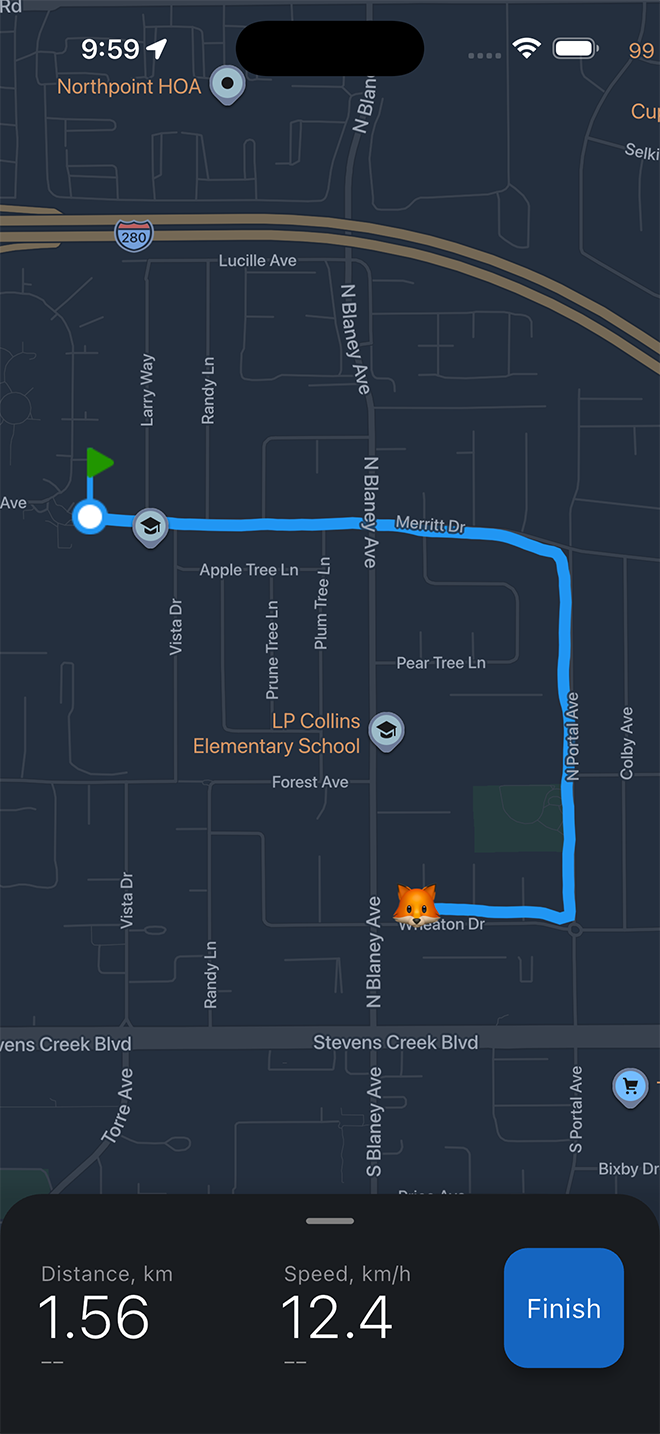
The main screen shows only two key metrics you’ve chosen (or sensible defaults) – large, clear and glanceable even while moving.
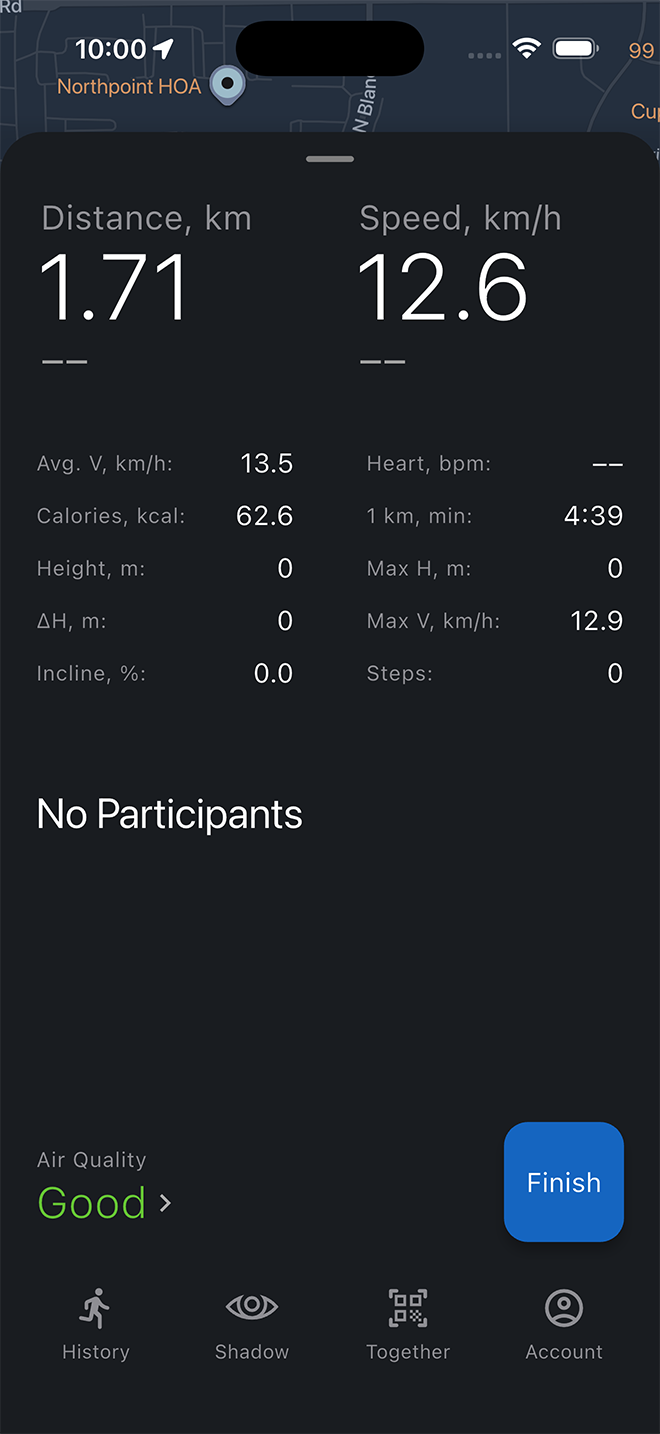
All other metrics are recorded in the background. Swipe up the panel anytime to see the full picture.
Shadow Mode
Compare your current workout to any past activity in real time. Choose a previous workout or load a GPX file and see the difference as you move.
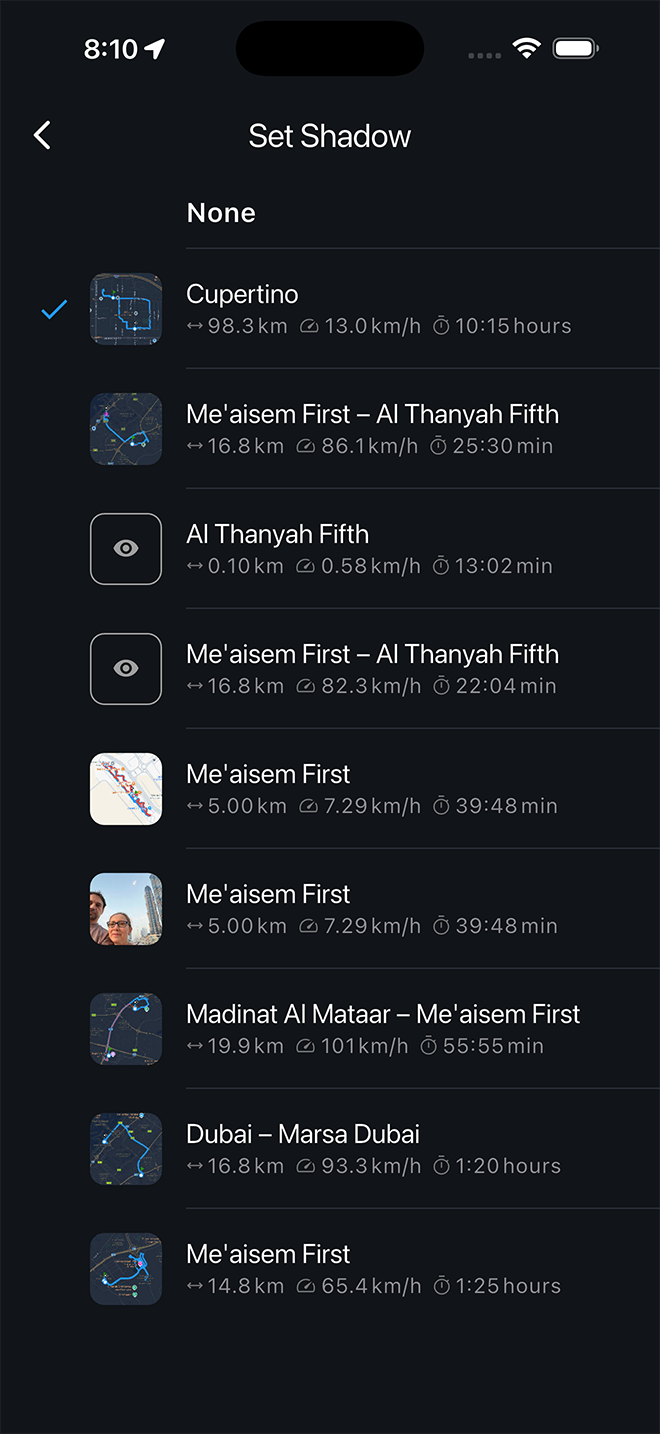
Choose any saved workout or load a GPX file to compare against.
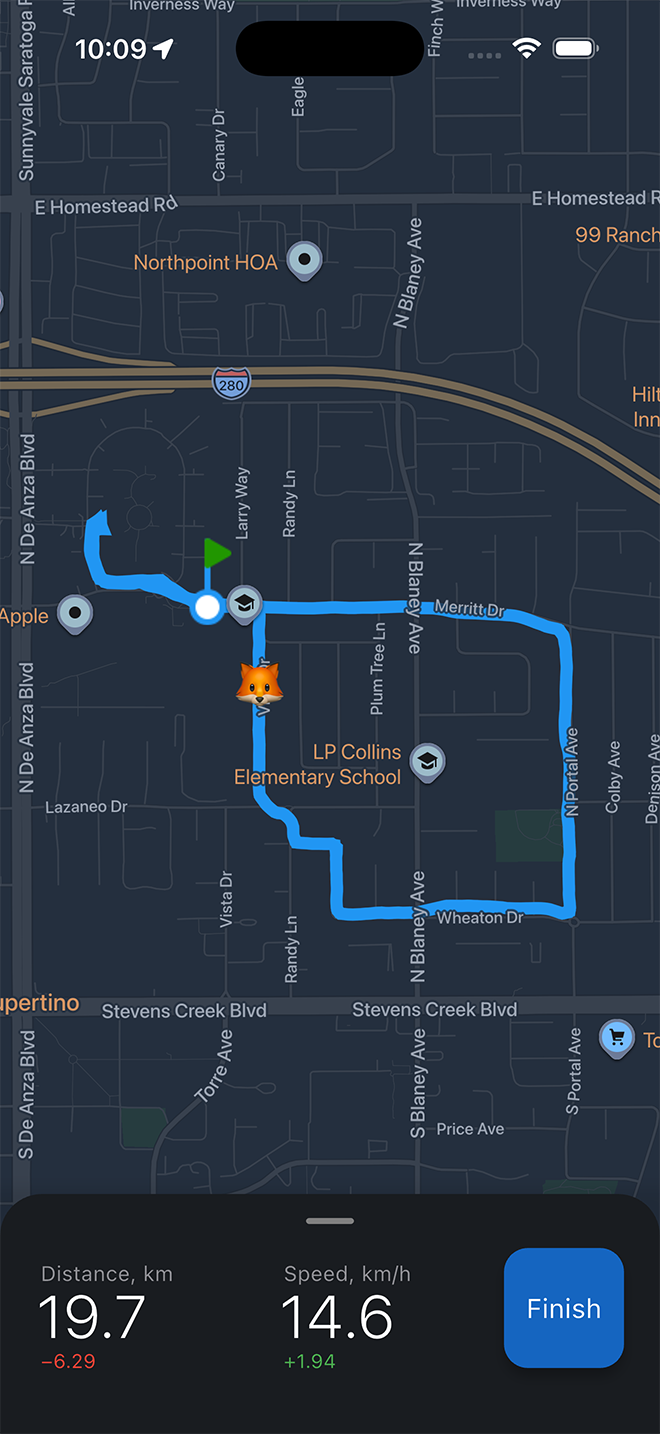
The difference in pace, distance and other metrics appears on the panel as you move.
Join Workout
Run together with family or friends, even if you spread out along the route. Send a link or QR code – and everyone sees each other on the map in real time. Someone is already ahead, someone is enjoying their own pace – you calmly see everyone and easily meet up at the end. Just a shared run, without extra words or notifications.
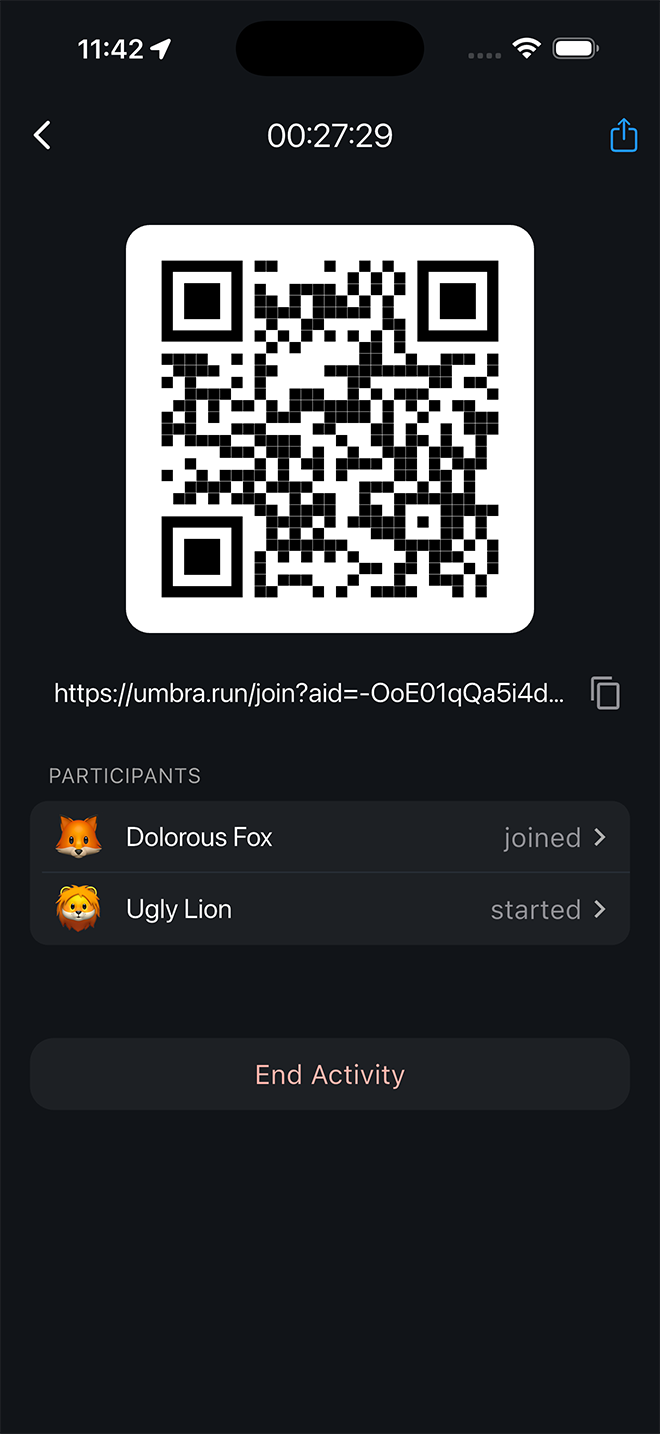
Simply send a link or QR code – others can join your workout instantly.
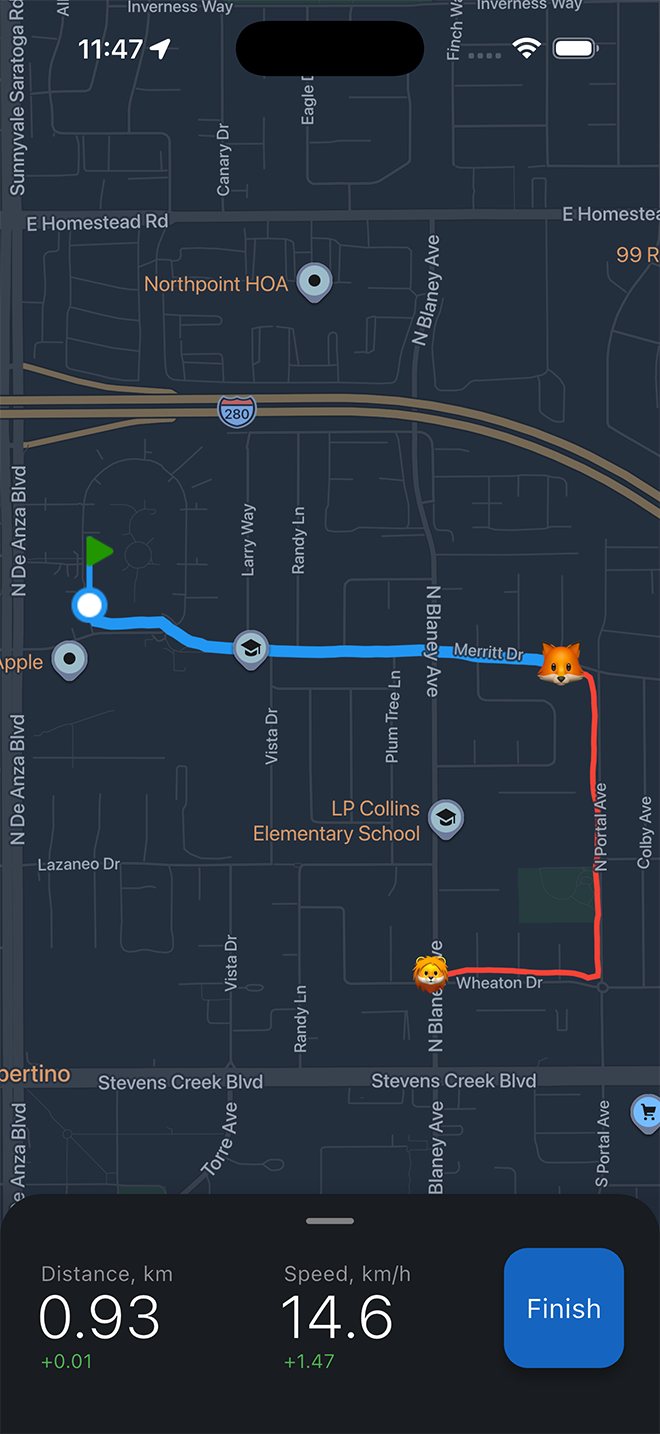
Everyone’s position and basic stats are shown on the map in real time.
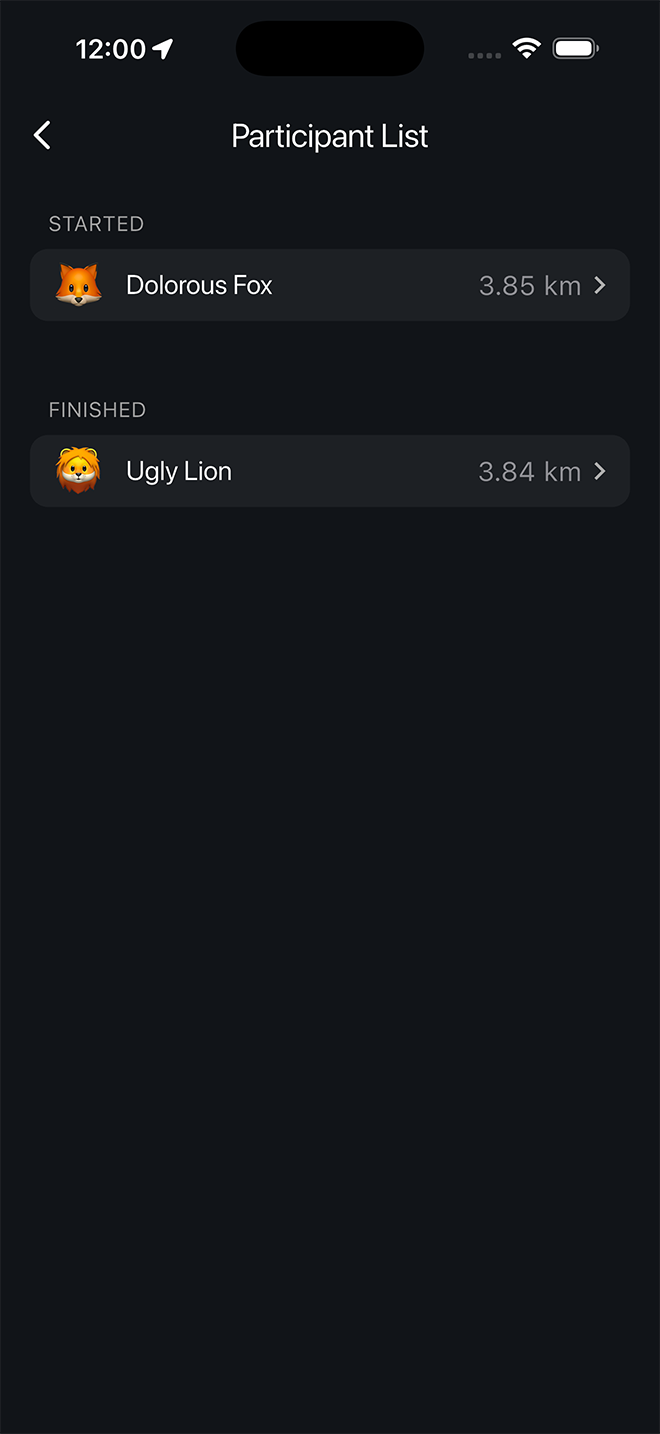
See the list of all participants and their current status.
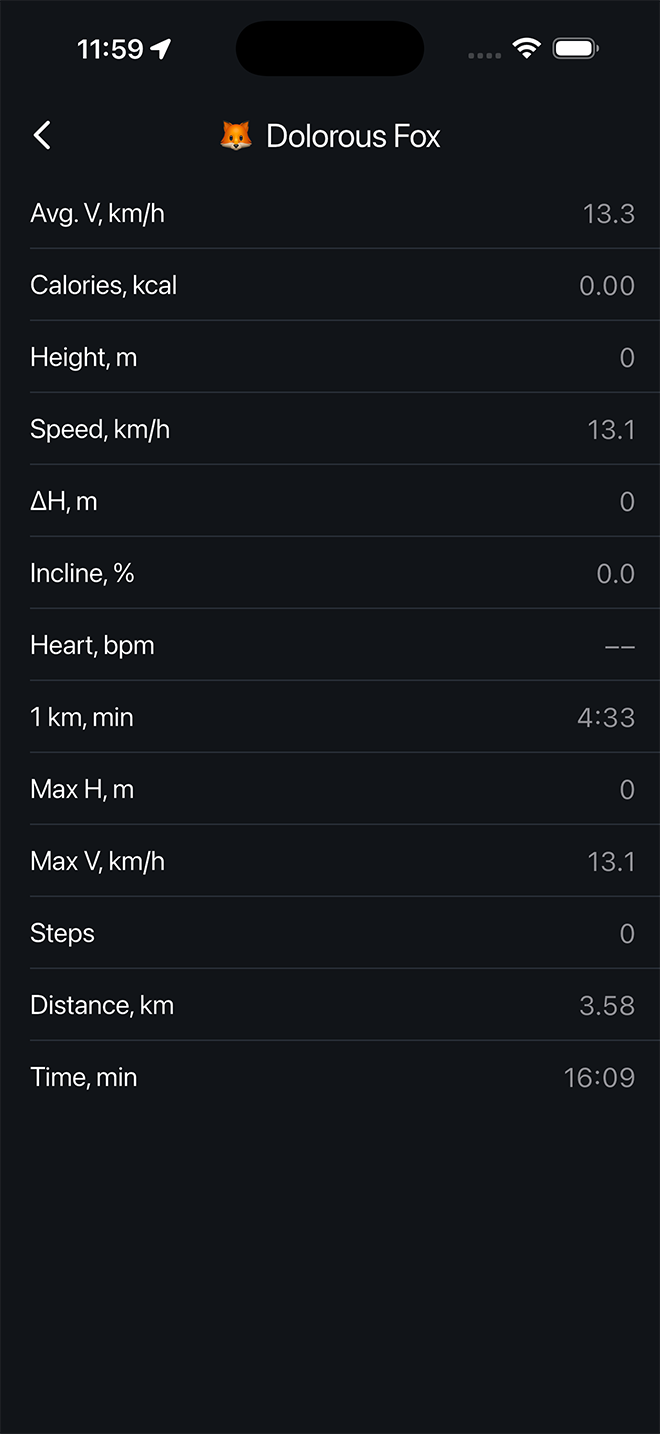
View each participant’s live metrics.
Workout History
Every activity is saved with its full route and map. Over time it becomes your personal archive of places and moments – forest paths, coastlines, and quiet city parks that mark different chapters of your life. You can revisit any workout and export it as GPX.
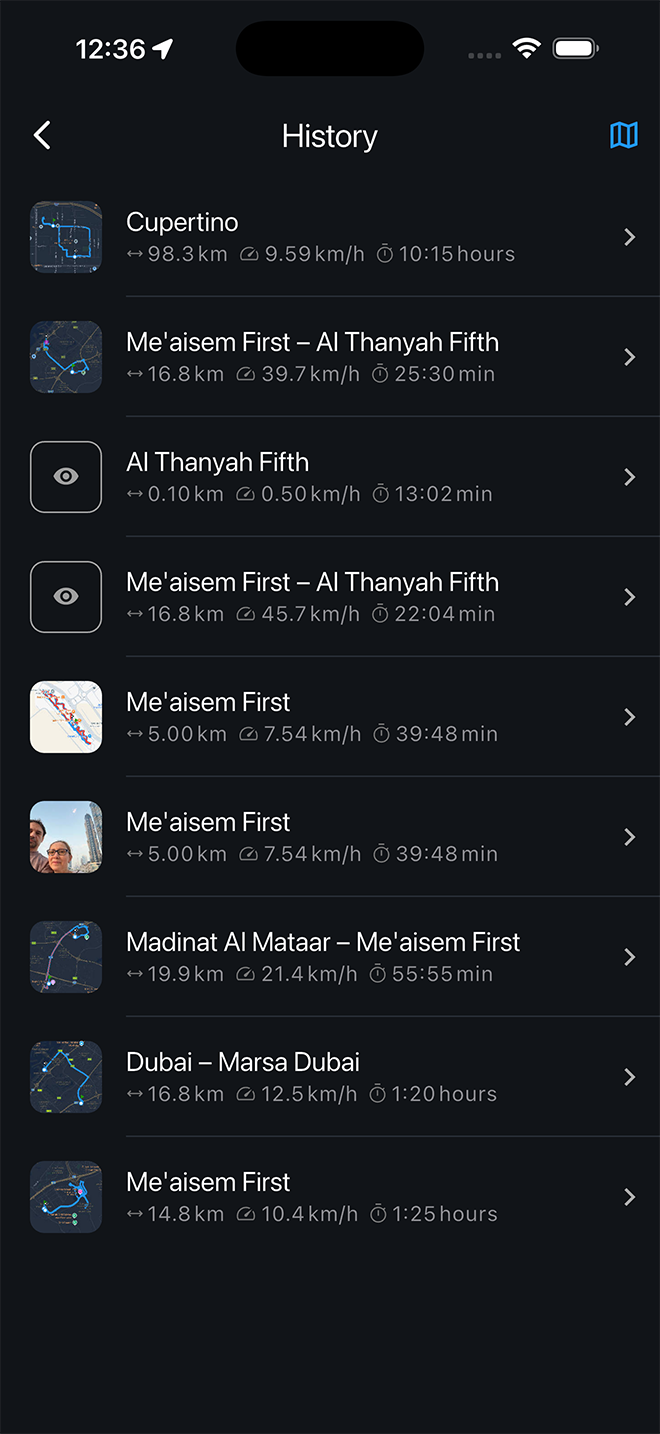
Browse your saved activities with key metrics at a glance.
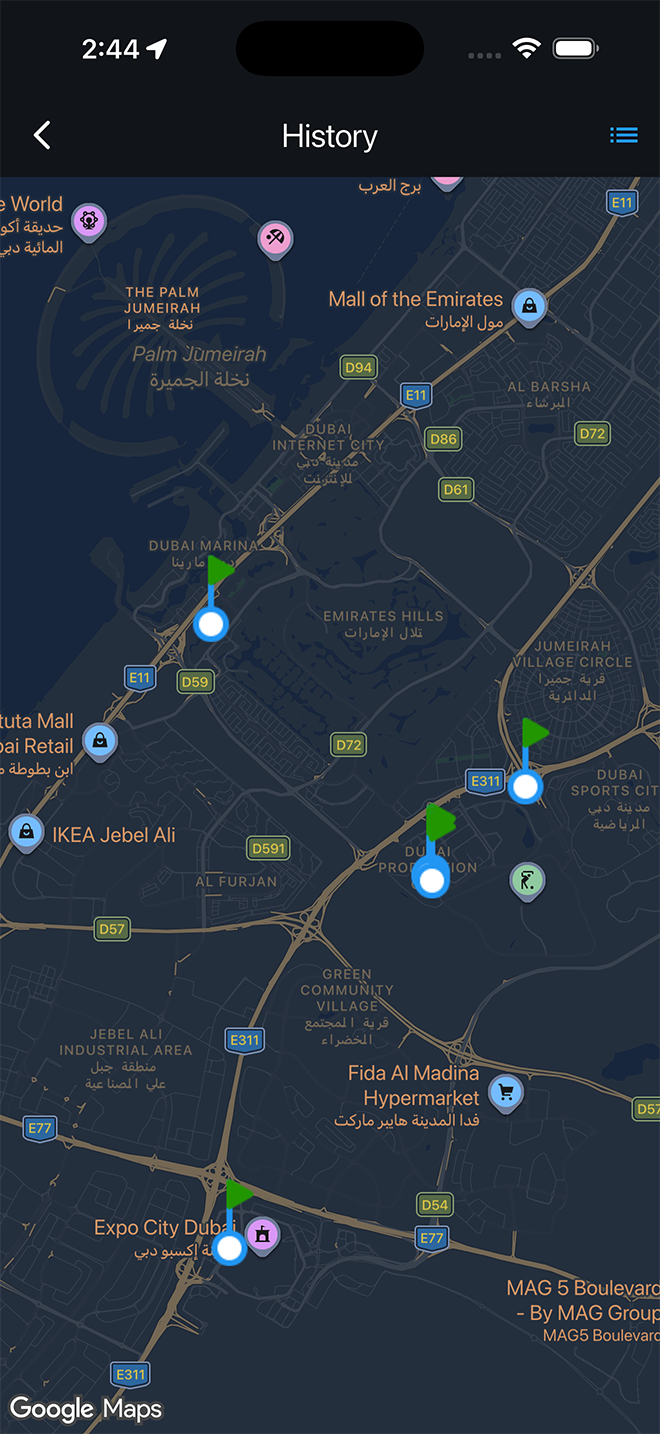
See your entire workout history plotted on the map.
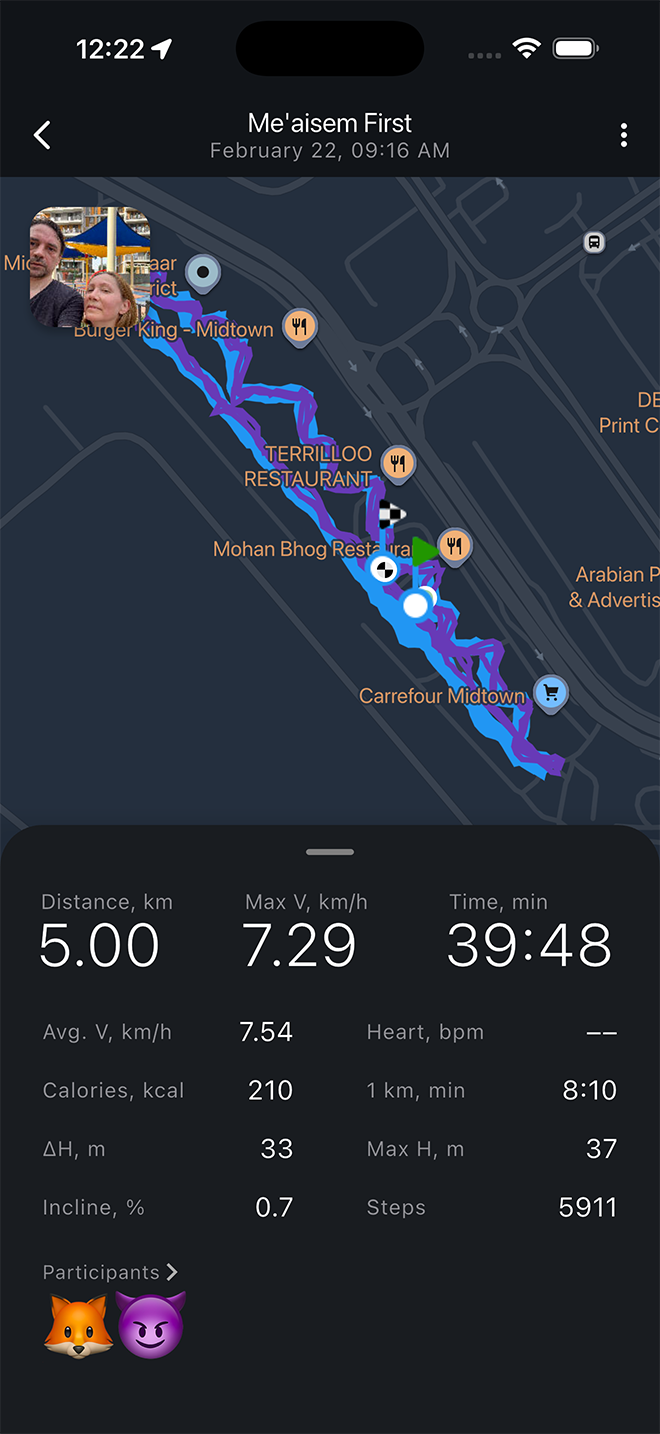
Review all metrics from your workout or from other participants.
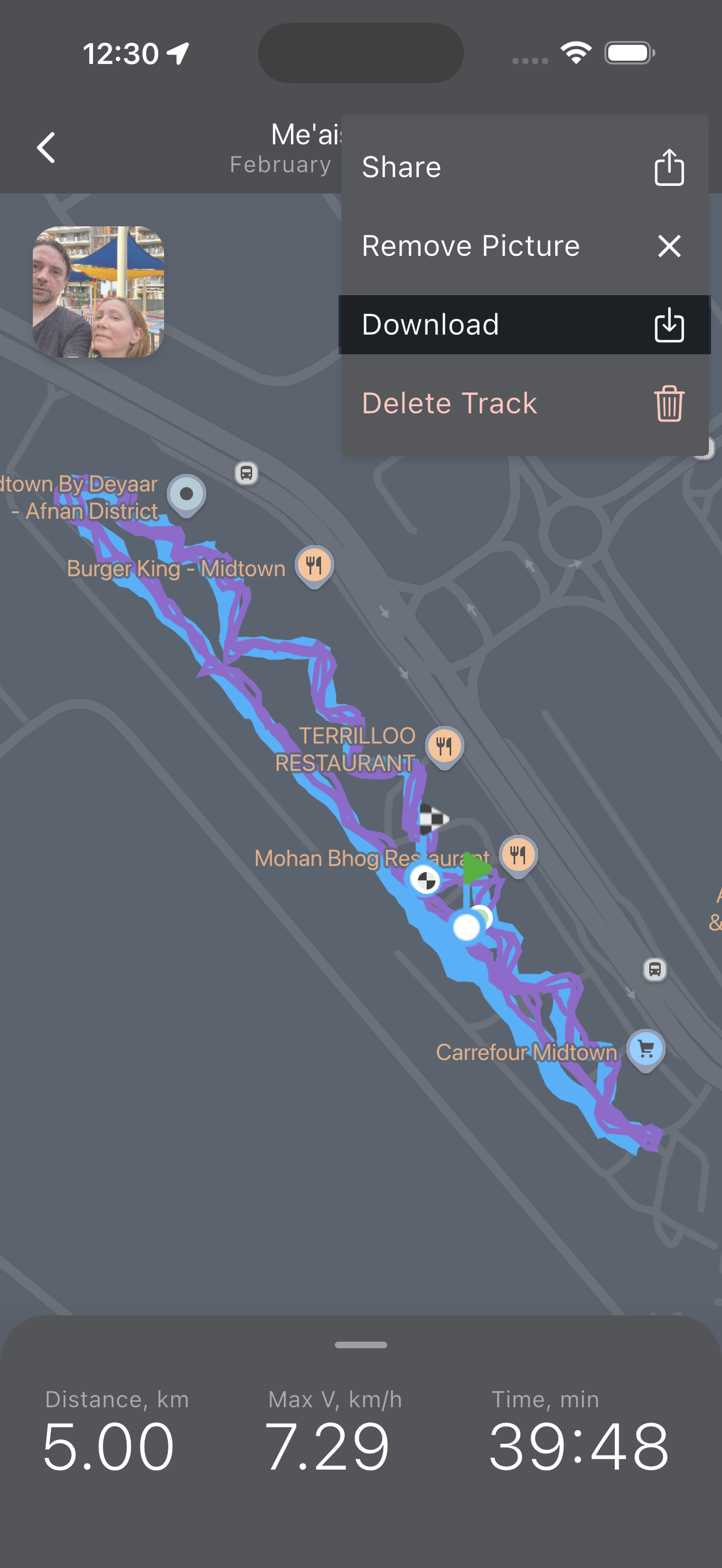
Export any workout as a GPX file to share with friends or import into other apps. You can also load GPX files back into Umbra to use them as Shadows.
Settings
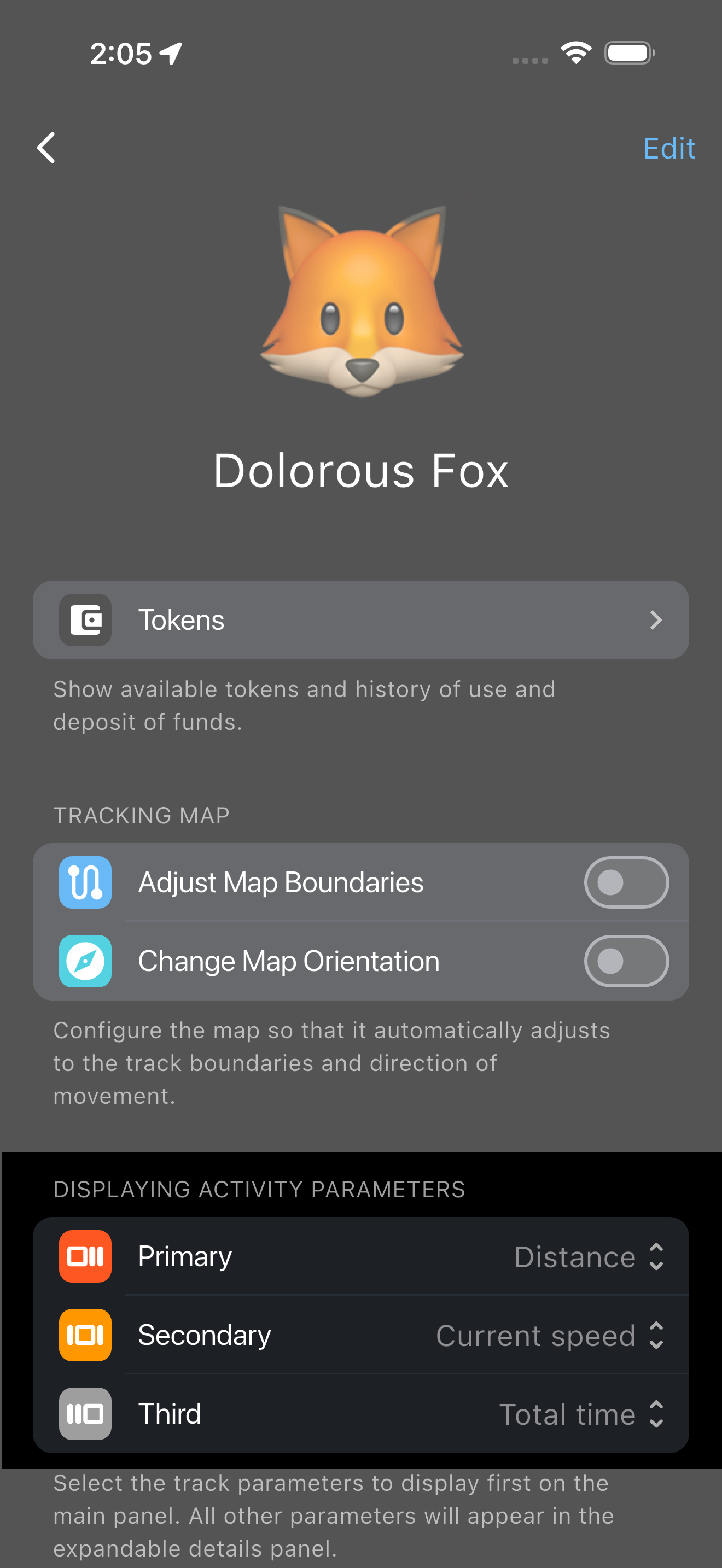
Choose which metrics matter most to you. Your preferences are saved and displayed cleanly during activity.
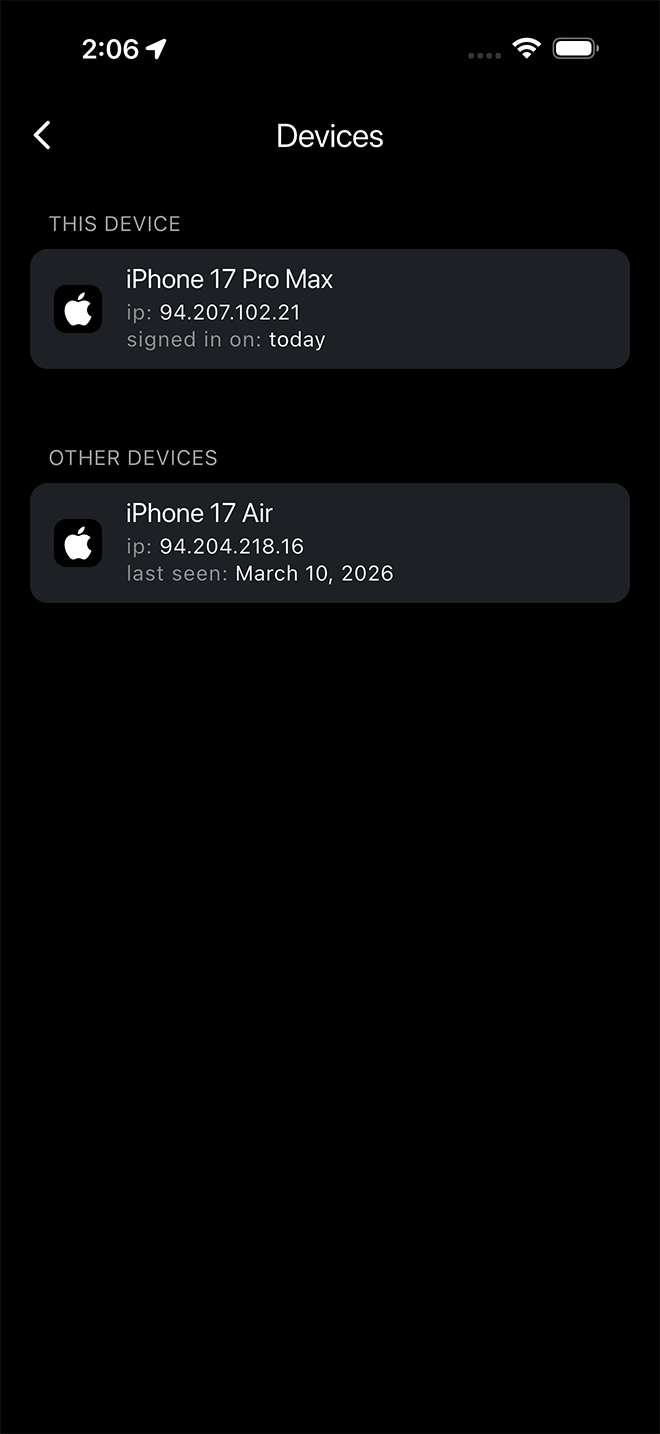
Use the same account across multiple devices.